 Pizyn
Precise removal
Circle exactly which bystander, wire or blemish goes — no more "the thing on the left, no, the other left".
AI tool · Markup editing
Words alone are a blunt way to edit. With GPT Image 2.6's markup editing, you annotate the image itself — circle the object, arrow the direction, note the change — and the model edits what you marked while leaving the rest untouched.
Your generation will appear here.
Try one of these:


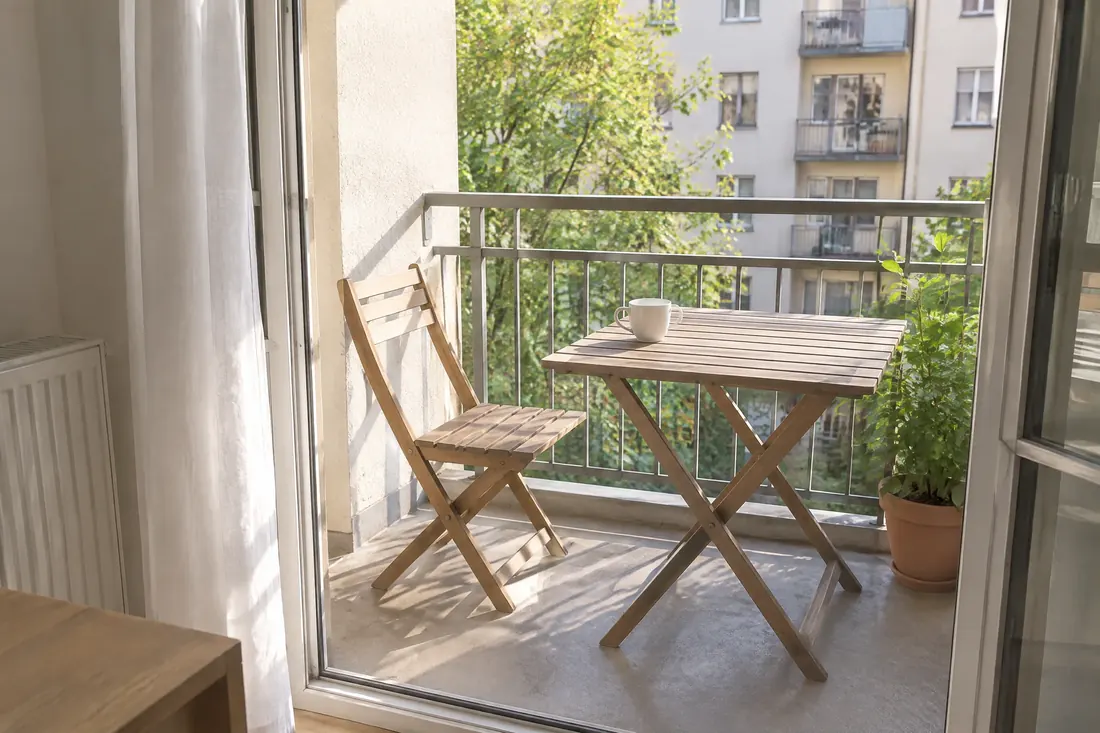
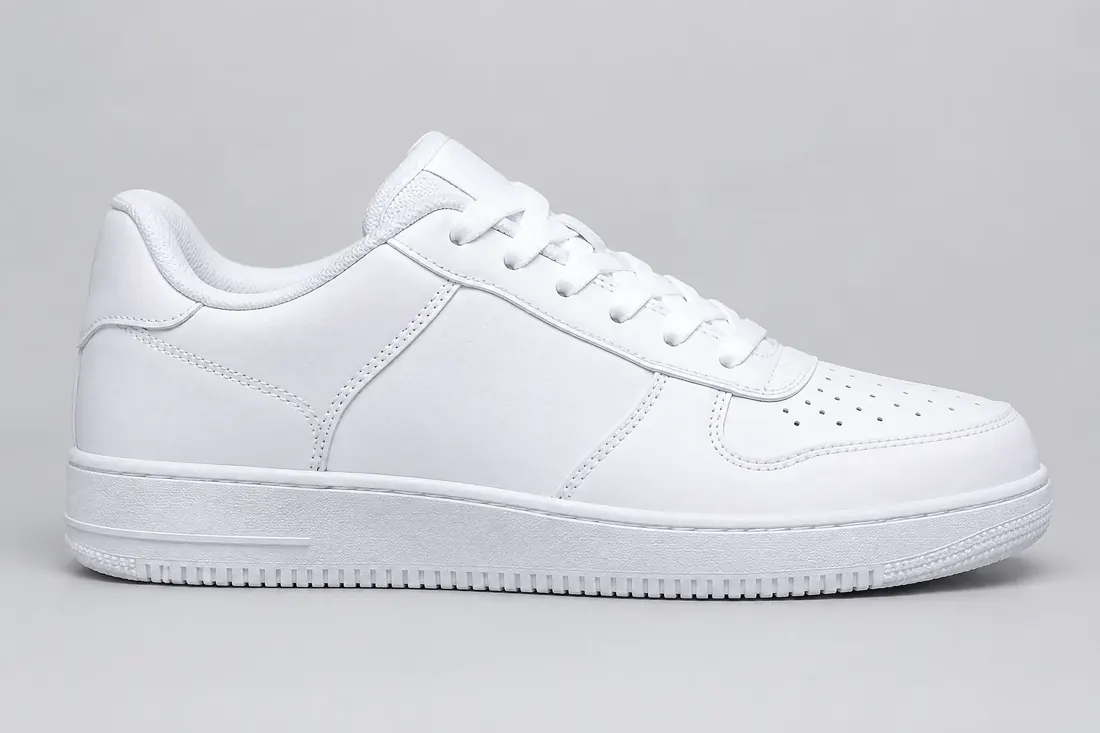
Normal AI editing is a guessing game: "remove the thing on the left" — which thing? Markup editing removes the guesswork. You draw directly on the image — a circle around the object, an arrow showing direction, an underline under the word — and GPT Image 2.6 treats your marks as instructions anchored to places, then edits those places and leaves everything else untouched.
Under the hood your annotations travel with the image as a dedicated markup layer (in the API it literally replaces the older mask workflow), so the model sees both the picture and your intent in one pass. It is the difference between describing a renovation over the phone and pointing at the wall.
Click an example to load it into the tool above:
Circle exactly which bystander, wire or blemish goes — no more "the thing on the left, no, the other left".
Arrows show where subjects should move, grow or swap — product scenes and real-estate photos especially.
Underline the misspelled word on a poster and write the correction next to it. Pair with the Poster Maker.
| Job | Credits | Why |
|---|---|---|
| Edit at medium quality | 9 | Quick restyles and removals |
| Edit at high quality | 10 | Final work, text fixes, product shots |
| Reference image | +0 | Included — edits here are charged at the model’s normal generation tier |
Credits mirror the underlying model's ladder — see the full table on the GPT Image 2.6 page. Failed generations (provider error) are refunded automatically once the live backend is connected.
One balance works across every tool and model on Pizyn. What each plan buys in editing:
990 credits
≈ 99 high-quality edits
1,990 credits
≈ 199 high-quality edits
3,990 credits
≈ 399 high-quality edits
One-time packs from $4.90 (490 credits, valid 12 months) arrive with the payments phase. Full plan comparison on the pricing page.
No. Your marks travel as a separate annotation layer that tells the model where to edit; the output is the clean, edited photo.
JPG, PNG and WebP. In this demo the upload is preview-only; with the live backend connected, the image is sent with your marks as one edit request.
Yes — underline the word and quote its replacement in your prompt, e.g. change the underlined word to “SALE”. Text regions stay sharpest at high quality.
By quality tier — the same credits as generating at that tier, reference image included. A high-quality edit costs 10 credits.
20 free credits land in your balance the moment you sign up. No card required.
or use email
Already have an account? Sign in