 Pizyn
Sale & event promos
Dates, prices and discount percentages rendered as part of the artwork — no separate design pass.
AI tool · Text-first design
Most image models garble words. This tool defaults to GPT Image 2.6, the strongest text-rendering model available, so your headline, prices and dates come out spelled exactly as written. Put the exact text in quotes inside your prompt.
Your generation will appear here.
Try one of these:
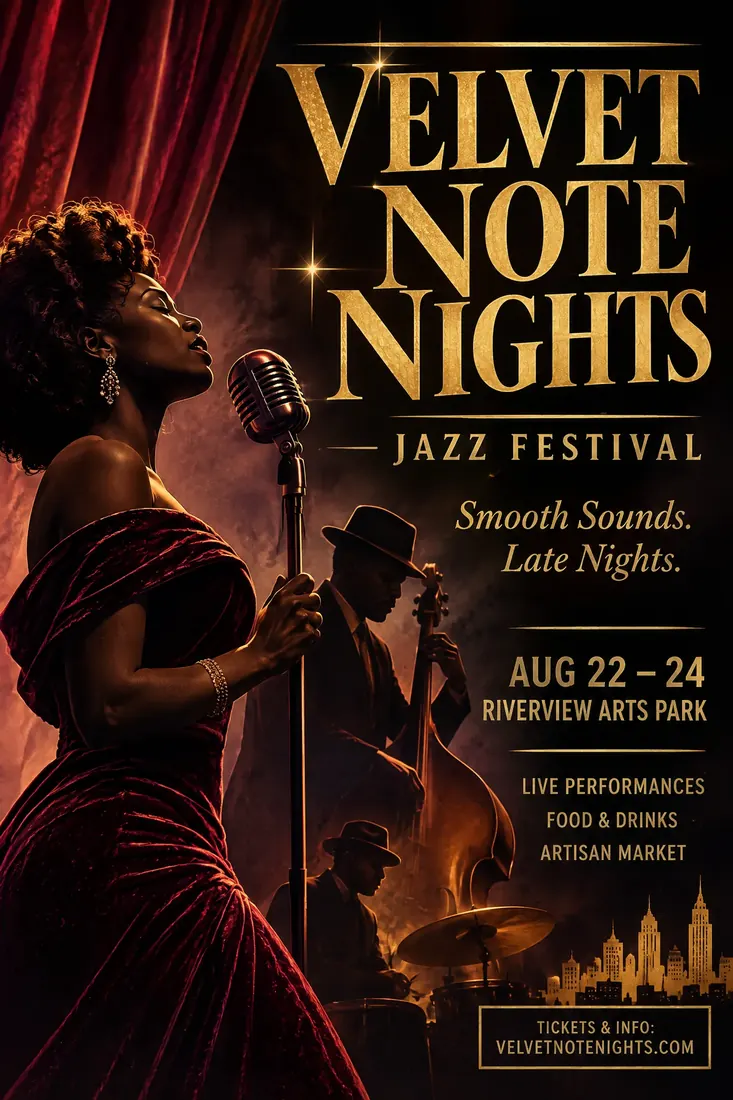
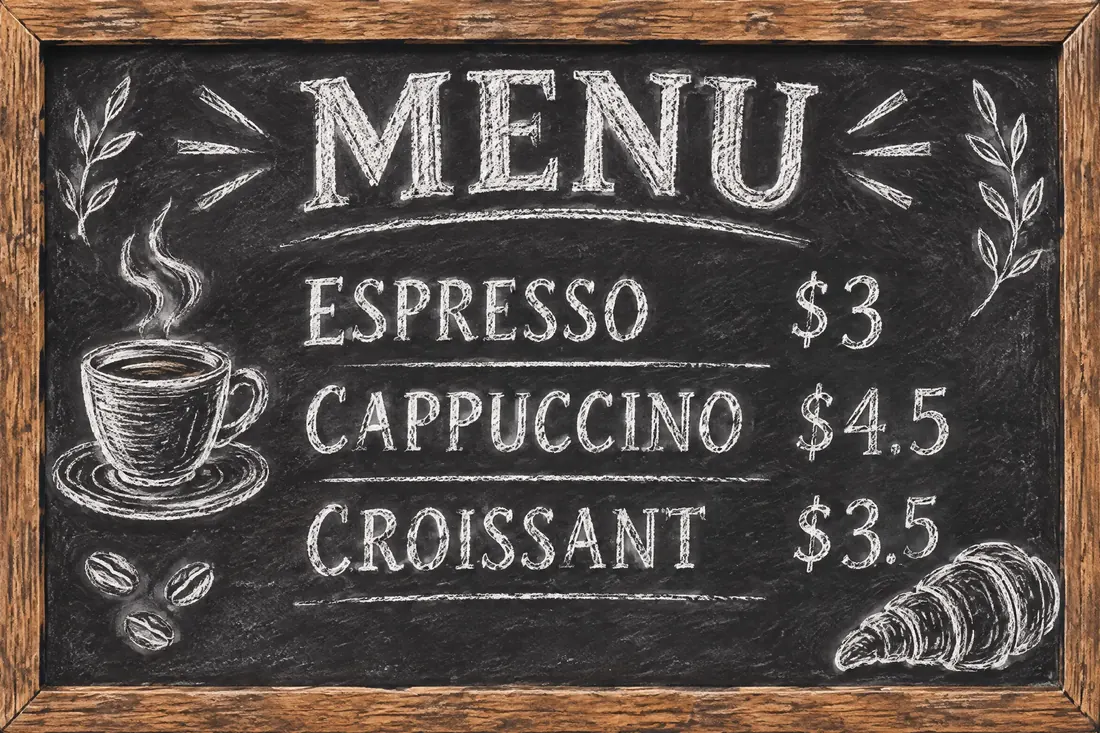
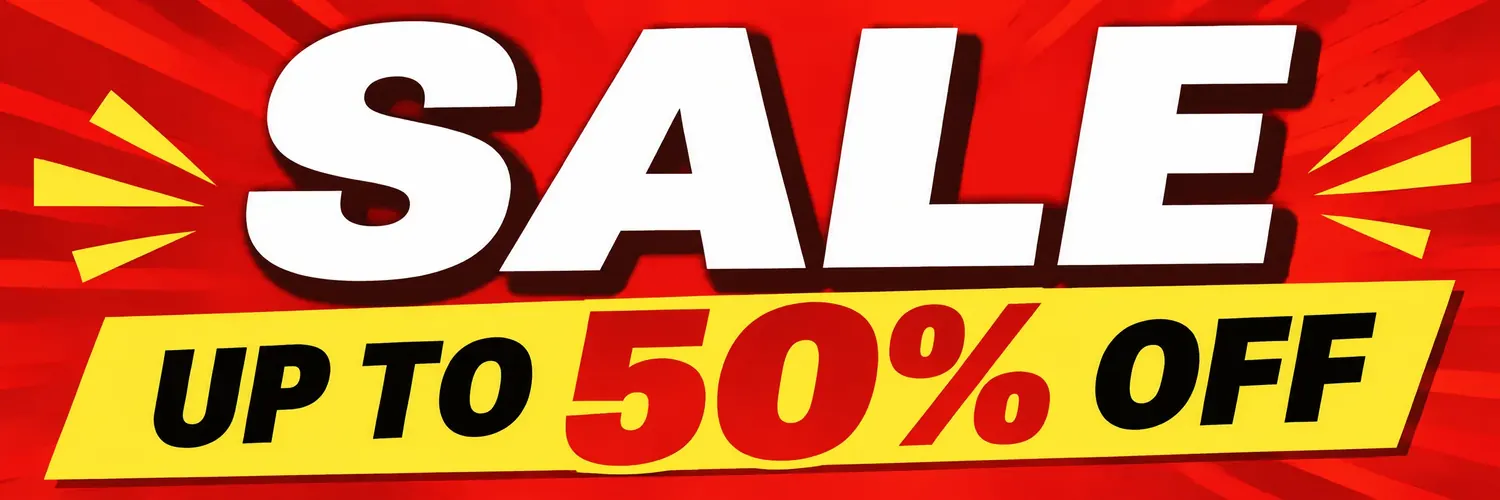

A poster is mostly words wearing artwork as a frame — and image models historically garble words. This tool defaults to GPT Image 2.6 because it currently renders text more reliably than any other model we offer: headlines, prices, dates and fine print come out spelled as written, in the layout you describe.
That changes the workflow. Instead of generating art and adding text later in a design tool, you brief the whole poster at once — hierarchy, palette, where the logo space goes — and iterate on the complete composition. If one word still slips, fix just that word with the markup editor instead of regenerating everything.
Click an example to load it into the tool above:
Dates, prices and discount percentages rendered as part of the artwork — no separate design pass.
Daily specials and price lists that stay legible. Fix a word later with the markup editor.
Quote cards, announcement posts and thumbnails with big, correct type. For a logo version, GPT Image 2.6 also exports SVG from its model page.
| Job | Credits | Why |
|---|---|---|
| Layout draft (low) | 5 | Check composition and wording cheaply |
| Final poster (high) | 10 | Text is sharpest at high quality — this is the tier to publish |
| Max | 78 | Dense infographics and menus with lots of small print |
Posters live on the GPT Image 2.6 ladder; the full per-tier table is on the model page. SVG export for logo-style artwork is available from that page's tool.
One balance works across every tool and model on Pizyn. What each plan buys in poster making:
990 credits
≈ 99 final posters at high quality
1,990 credits
≈ 199 final posters at high quality
3,990 credits
≈ 399 final posters at high quality
One-time packs from $4.90 (490 credits, valid 12 months) arrive with the payments phase. Full plan comparison on the pricing page.
GPT Image 2.6 is currently the most reliable text renderer we offer. Quote every word exactly, check a 2-credit draft first, and if one word slips, fix just that word in the markup editor instead of regenerating.
Ask for empty space where the logo goes (“leave the top-left corner empty”) and composite it afterwards — or upload the logo as a reference image and describe where it belongs.
Use the 2:3 ratio at high or max quality for posters. For very large prints, generate at max and upscale the final file before sending it to the printer.
Describe the type style instead of naming a commercial font — “bold condensed sans-serif”, “elegant serif” — and give exact brand colors by name or hex for a consistent series.
20 free credits land in your balance the moment you sign up. No card required.
or use email
Already have an account? Sign in