 Pizyn
Product photography
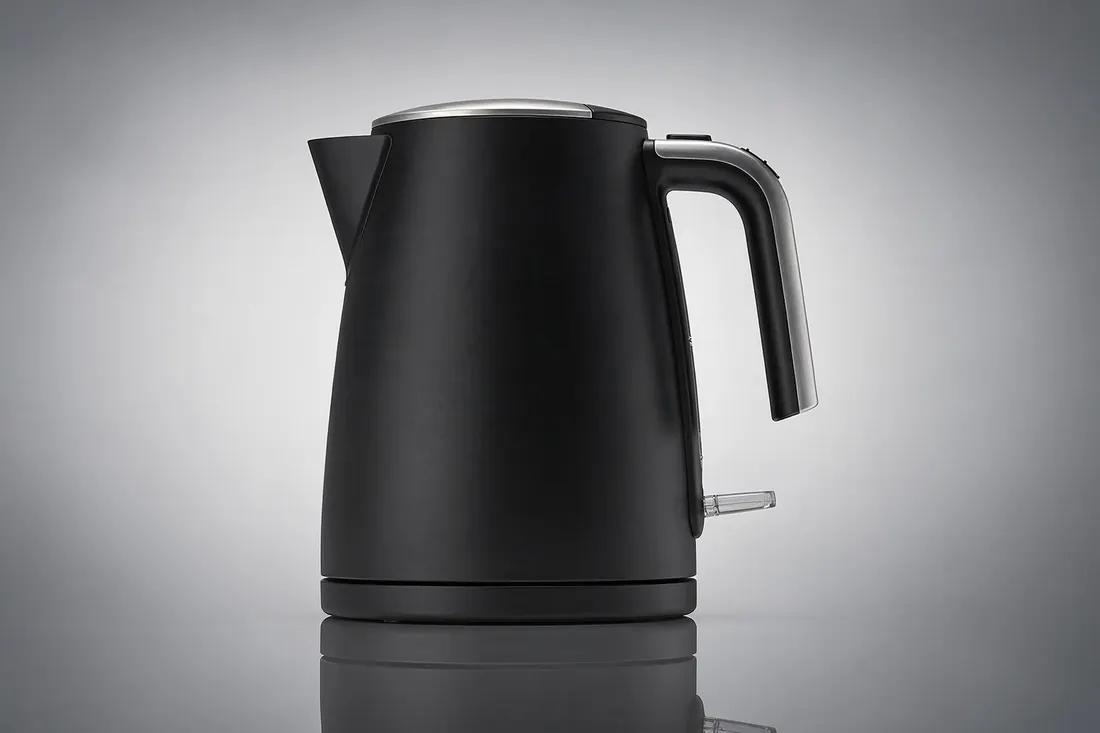
Clean studio looks, believable materials and reflections — the ecommerce workhorse of this lineup.
Black Forest Labs · Image model
Black Forest Labs' production image model. The value pick of the premium tier: studio-grade photorealism at $0.03 for the first megapixel ($0.015 per additional megapixel), with multi-reference editing up to 4MP output.
Your generation will appear here.
Try one of these:





Every example on this page was generated with FLUX.2 [pro] through this studio.
| Inputs | Text to image · Image editing (including exact hex color control) |
| Resolution | Up to 2048 px per side, priced per megapixel |
| Aspect ratios | Any width × height in range — free-form sizes, no preset list |
| Output formats | JPEG |
| Pricing shape | $0.03 for the first megapixel, $0.015 per additional megapixel |
Good to know: there is one quality tier and no knobs to tune — the model trades controls for consistency. It accepts a seed, so a winning result can be reproduced exactly and then varied deliberately.
Click an example to load it into the tool above:
Clean studio looks, believable materials and reflections — the ecommerce workhorse of this lineup.
The lowest premium-tier unit cost, so large variant sets stay profitable. Higher tiers ([flex], [max]) trade price for finer control.
Native 21:9 support for banners and cinematic frames. For heavy in-image text, GPT Image 2.6 is stronger.
Skin texture, weathering and real light behavior hold up at close range — the fisherman portrait in the gallery above is a single generation, unretouched.
| Tier | Credits | Real API cost | Use it for |
|---|---|---|---|
| Generation (≈1MP, any aspect) | 5 | $0.03 | Standard product and scene work |
| Edit | 10 | $0.06 | Reference-image edits and restyles |
Every FLUX.2 generation here runs at about one megapixel whatever the aspect ratio, so generation is a flat 5 credits; edits are 10.
One balance works across every model on Pizyn — recharge once, spend anywhere. What each plan buys on this model:
990 credits
≈ 198 1MP generations
1,990 credits
≈ 398 1MP generations
3,990 credits
≈ 798 1MP generations
One-time packs from $4.90 (490 credits, valid 12 months) arrive with the payments phase. Full plan comparison on the pricing page.
FLUX.2 [pro] is tuned to a single production setting; the price scales with image size (per megapixel) instead of quality tiers. What you see in the gallery is what every generation delivers.
Yes — its editor accepts hex color values, so recolors and product variants can match a palette exactly instead of “some kind of blue”.
Yes — paid plans include a commercial license for the images you generate: ads, packaging, client work, merchandise. As everywhere, don't use it to imitate real brands, products or people you don't have the rights to.
Photography first: product shots, portraits and materials are its home turf. For text-heavy graphics, GPT Image 2.6 or Seedream 5.0 Lite render words more reliably.
20 free credits land in your balance the moment you sign up. No card required.
or use email
Already have an account? Sign in